
Meal Timing Planner
A simple grid for sketching where meals fall around a training day, a rest day and a heavy work day. Pairs with Module 1 and Module 4.
Concepts explained clearly in a module can still be hard to recall at 6:45am before a run. These worksheets condense each module into a short reference page, meant to be glanced at, not studied.
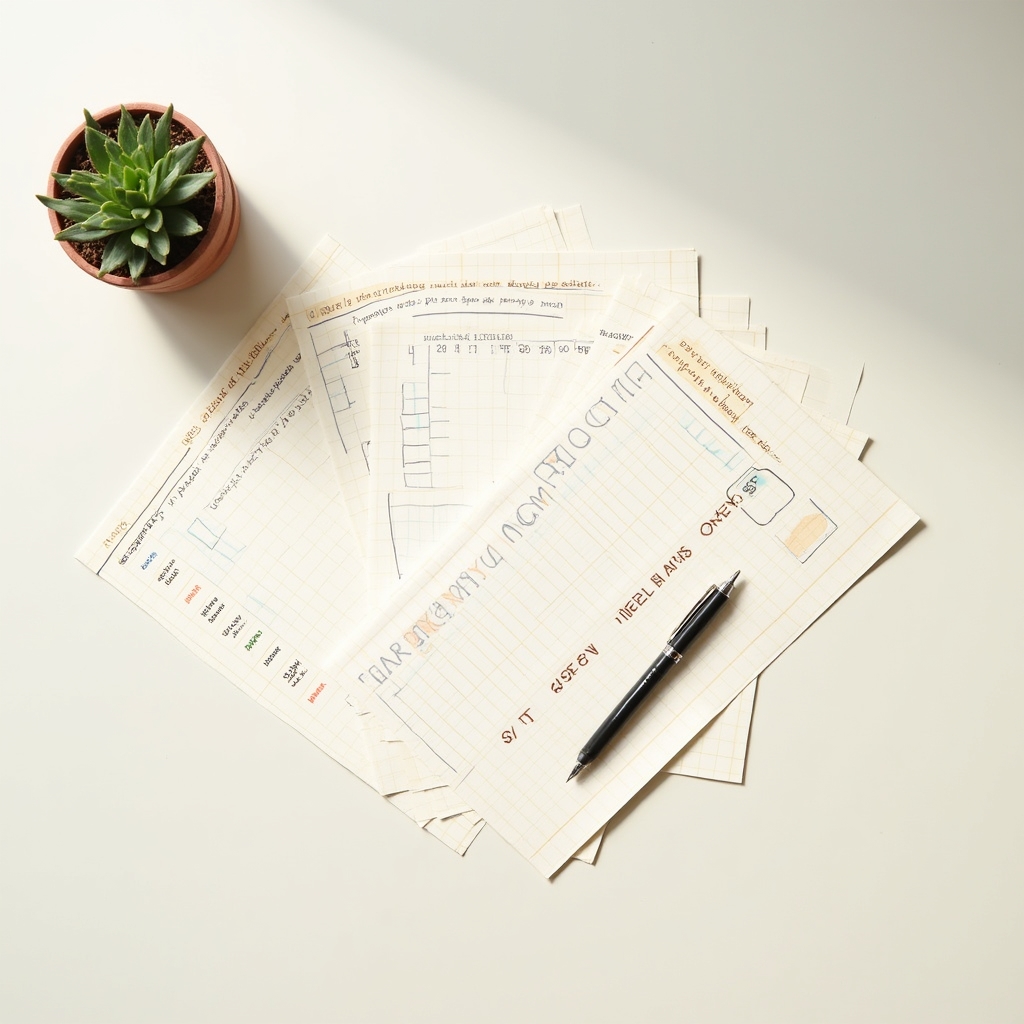
Some habits are easier to keep on a fridge, a gym bag pocket or a desk than inside another app that needs opening and logging into. Each sheet in this toolkit is a single page, designed to print in black and white without losing readability.
They are reference tools, not tracking software. There's no data collected from how you use a printed sheet, which is part of the point.
A simple grid for sketching where meals fall around a training day, a rest day and a heavy work day. Pairs with Module 1 and Module 4.
A loose tally sheet for noticing patterns across a week, not a strict target to hit daily. Pairs with Module 2.
Three short prompts to jot down at midday and evening, meant to build awareness of your own patterns over a couple of weeks. Pairs with Module 3 and Module 5.
A blank week laid out for sketching a loose routine around training, rest and work. Pairs with Module 6.
The worksheets are shared as downloadable pages inside the module library once you're enrolled in the course. Anyone with a general question about a specific sheet before enrolling is welcome to write in through the contact page.
Send a short note through the contact page and we'll get back to you by email.
Contact us